TABLE OF CONTENT
For years we’ve interacted with AI like we interact with search engines — we ask, it answers.
Even modern AI tools mostly live inside that same pattern: prompt → response → copy → paste → done.
But a new category of AI is quietly emerging inside companies.
Not assistants. Not copilots.
Operators.
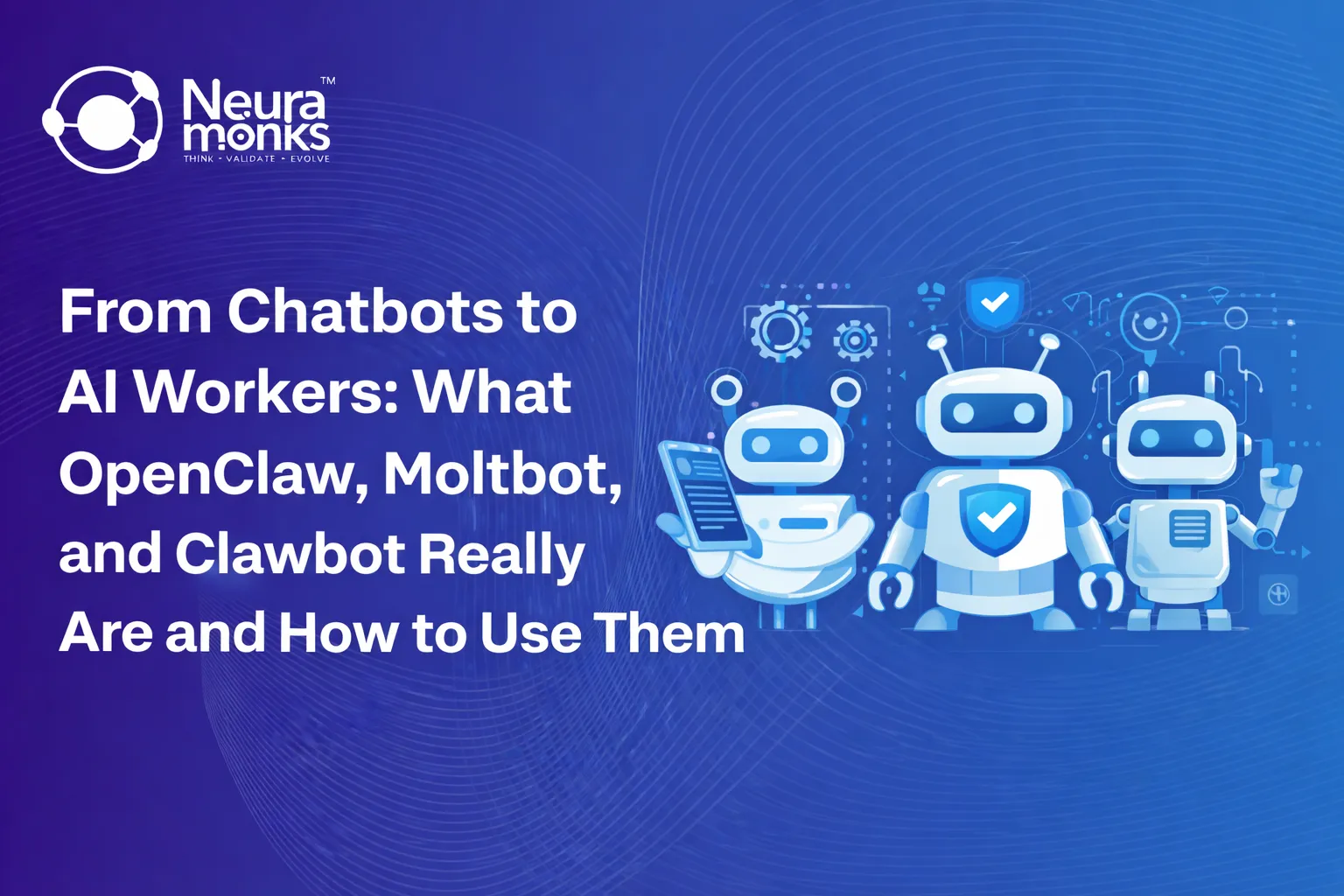
This is where systems like Clawbot, OpenClaw, and Moltbot come in. They are not designed to help you complete tasks — they are designed to complete tasks for you inside your own workflows.
To understand them, you have to stop thinking about AI as a tool and start thinking about AI as a role.
Clawbot — The Worker
Clawbot is the part people notice first because it actually does things.
- Instead of answering how to send an email, it sends the email.
- Instead of suggesting a report, it generates and delivers it.
- Instead of telling you an alert exists, it investigates the alert.
In practical environments, teams use Clawbot to monitor dashboards, update CRM records, respond to operational triggers, summarize meetings, triage support tickets, or run internal processes that normally require human attention but not human judgment.
The key shift is execution.
- Traditional AI reduces effort.
- Clawbot reduces involvement.
You are no longer operating software — you are supervising a digital worker operating software.
OpenClaw — The System That Gives AI a Job Description
If Clawbot is the worker, OpenClaw is the structure that tells it what its job actually is.
OpenClaw is the framework where companies define:
- how the AI should behave,
- what it is allowed to access,
- when it should act,
- and when it should ask.
Instead of one generic assistant, organizations can create multiple specialized agents — operations assistant, support assistant, finance assistant, engineering assistant — each with boundaries and responsibilities.
Without this layer, AI is intelligent but directionless.
With it, AI becomes organizational.
In other words, OpenClaw converts intelligence into process.
Stop Planning AI.
Start Profiting From It.
Every day without intelligent automation costs you revenue, market share, and momentum. Get a custom AI roadmap with clear value projections and measurable returns for your business.
Moltbot — The Training and Learning Layer
Human employees improve because they observe outcomes and feedback.
Agentic systems need the same mechanism.
Moltbot handles learning.
It tracks corrections, approvals, rejections, and overrides. Over time it adapts behavior so that repeated mistakes disappear and frequent approvals become automatic. The system evolves from cautious automation to confident execution.
The important part is that improvement doesn’t require retraining a model — it happens operationally.
Moltbot turns usage into education.
How They Work Together
Think of a normal company structure.
- The employee performs tasks.
- The company defines processes.
- Training improves performance.
That is exactly the relationship here:
- Clawbot performs
- OpenClaw organizes
- Moltbot improves
Together they create an environment where AI stops being a conversation interface and starts becoming operational infrastructure.
How Teams Actually Start Using It
The most successful teams don’t start with big automation dreams. They start with observation.
First the agent watches workflows — alerts, emails, dashboards, tickets — and suggests actions.
Then it performs actions after approval.
Finally it handles low-risk processes independently.
The moment teams realize the real value is not faster work but fewer interruptions, adoption accelerates. The system becomes a background operator rather than a visible tool.
People stop “using AI” and start relying on outcomes.
Why This Matters
- Software improved productivity.
- Automation improved efficiency.
- Agentic AI improves operational capacity.
Instead of hiring more people to manage complexity, companies can delegate predictable decision loops to internal AI workers while humans focus on judgment, creativity, and strategy.
The organizations that understand this shift early won’t just save time — they’ll operate differently.
If You’re Considering Implementing It
These systems look simple on the surface but become architectural quickly: permissions, workflows, monitoring, and safety design matter more than prompts.
At NeuraMonks, we help teams design and deploy internal AI operators — from defining agent responsibilities to integrating them into production workflows safely.
Because the goal isn’t experimenting with AI.
The goal is trusting it with work.

Ketan Kanjiya
Ketan Kanjiya is a Machine Learning researcher and Chief Research Officer at Neuramonks, an AI-focused technology company based in Ahmedabad, Gujarat. With hands-on expertise in AI/ML, image processing, and web application development, he has led research initiatives across F(x) Data Labs and Kshatrainfotech. Ketan writes to simplify advanced technical concepts for developers and tech enthusiasts alike.